
iOS 26 Public Beta Brings Liquid Glass, Smarter Customizations, and Exciting Features to Explore
Apple’s iOS 26 public beta has finally landed, and it’s packed with design refreshes, customization tools, and a host of subtle but meaningful quality-of-life updates. If you’re eager to test-drive it before the official release, there’s plenty to experiment with. Here’s a closer look at the standout features and the first things you should try after installing the beta.
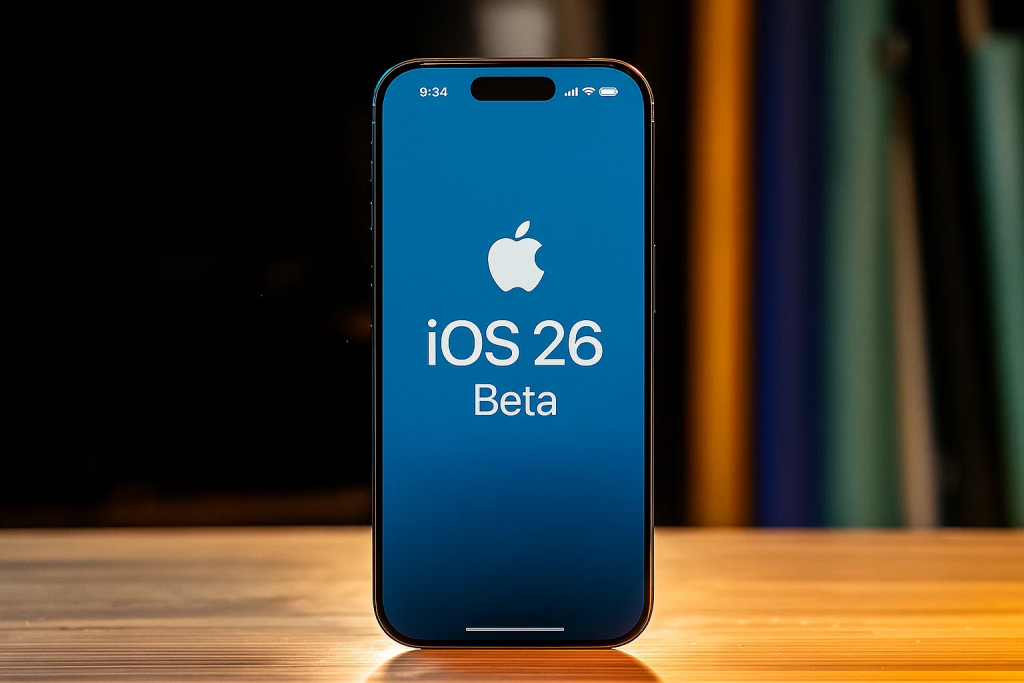
Liquid Glass: A Shiny New Interface
One of the most noticeable changes in iOS 26 is its new design language called Liquid Glass. This gives the interface a glossy, translucent look that reflects your wallpaper as you move between apps and screens.
- Folders now “float” with a subtle glass effect that shifts as you swipe left or right.
- Control Center and Music both carry this translucent style, with menus and now-playing bars that almost melt into the background.
- Customizable app icons can take on a clear, glass-like appearance. You can toggle between auto, light, or dark modes—or leave it on auto so your home screen transforms seamlessly from day to night.
This design tweak may seem minor, but it makes the whole interface feel more modern and immersive.
Lock Screen Freedom
Your lock screen isn’t just about wallpapers anymore. iOS 26 gives you more precise control over the clock and widgets:
- Adjust clock thickness with a new slider to make it bold or minimal.
- Move widgets to the top or bottom of the screen to suit your layout preference.
- A glass reflection effect even appears on features like Do Not Disturb, tying into the new design theme.
If you’re the type who loves lock screen personalization, this is a playground worth exploring.
Music Upgrades: Art and Flow
The Music app gets a subtle redesign with some powerful upgrades:
- Full-screen album artwork now animates on the lock screen, and widgets glide gracefully in and out of view.
- Pin your favorites—albums, playlists, or artists—to the top of your library for instant access.
- Crossfade and AutoMix make listening seamless. AutoMix intelligently blends songs by analyzing tempo and key, mimicking a DJ transition between genres.
This feature alone makes casual listening feel more polished and cinematic.
Smarter Battery Management
Battery settings get a useful overhaul with adaptive power mode. When your phone detects unusually high usage, it can slightly reduce performance or brightness to extend life.
You’ll also notice:
- A redesigned usage breakdown that shows charge times, screen-on vs. idle time, and energy consumption trends.
- Estimated charge completion times on both the lock screen and in the battery menu—perfect for those quick top-ups before heading out.
Call and Message Screening
Spam calls and unknown texts are a modern nuisance, and iOS 26 offers new tools to tame them:
- Phone app now lets you screen unknown callers. You can:
- Ask them to provide a reason for calling (like a mini voicemail before it rings).
- Silence calls to voicemail.
- Or disable screening if you’re expecting new contacts.
- Messages filtering has expanded with a new menu for unknown senders, spam, and recently deleted.
- Custom message backgrounds let you add moving or themed visuals to conversations—even visible on the recipient’s phone.
This gives both practical protection and playful personalization.
Photos, Games, and New Apps
The Photos app gets a two-tab approach—Library and Collections—with easier sorting, pinning, and customization. You can even rearrange categories like Memories, Albums, and People to fit your workflow.
Gamers will notice the Games app, a modern revival of Game Center. It pulls together achievements, friend activity, and “continue playing” suggestions into a unified hub.
And for productivity fans, the Preview app finally arrives on iOS, making it easier to view PDFs, remove photo backgrounds, and manage file previews without jumping into Photos.
Apple Intelligence and Creative Tools
While the full Siri overhaul isn’t here yet, Apple Intelligence powers new features in iOS 26:
- Image Playground now supports ChatGPT-style image generation for more realistic results.
- Double Genmoji lets you combine emojis and objects into custom stickers or creative visuals for messages.
It’s a small taste of Apple’s growing AI ecosystem, and it adds a fun twist to communication and creativity.
The Beta Verdict
iOS 26 feels like Apple polishing the everyday experience while adding playful touches for those who love personalization and AI-powered tricks. From Liquid Glass visuals to adaptive battery tools and smarter spam filtering, this update blends style and substance.
If you’re running the public beta, the best advice is to explore widely—many of the biggest delights come from little interactions, like tapping an album cover or sliding a widget into a new spot. Just remember, as with any beta, performance and battery quirks are part of the ride.